
July 16, 2026 · Michael Rodriguez

How Do You Build a Lead-Capture Agent for a Dealership Floor?
You build a lead-capture agent for a dealership floor by capturing three fields the second a customer walks up, name, one contact method, and the vehicle they came for, then writing that to one destination you already check. Skip the CRM form. Skip the perfect record. The smallest useful version is a spoken note that turns into a saved lead before the customer sits down. Here is how I built mine on the floor with no tech background, the fields, the bugs, and the fixes.
I sell cars for a living. Twenty years in automotive retail, no tech background, no computer science degree.
Here is a thing that happens on a dealership floor every single day.
Someone walks on. You greet them. You are already moving them toward a vehicle. And the whole time, a small voice says write this one down.
You don't. Because writing it down means stopping, opening the CRM, and typing a record while a live customer stands there waiting.
So you tell yourself you will enter it after.
After is three more customers, a phone call, and a manager pulling you into a deal. The walk-in is gone. You never wrote the name down.
That lost walk-in is the task. This build log is the agent I built to stop losing it.
The short answer
You build a lead-capture agent for a dealership floor by capturing the three fields you actually need the second a customer walks up, a name, one contact method, and the vehicle they came for, then writing that to one destination you already check. Skip the full CRM form. Skip the perfect record. The smallest useful version is a spoken note that turns into a saved lead before the customer sits down. Capture three fields fast, store them once, and read them back to be sure they landed. That is enough to stop losing walk-ins you never wrote down.
Definition
Lead-capture agent:
a small agent that grabs the few fields a follow-up actually needs, a name, one contact method, and the vehicle interest, from a spoken note in the seconds of a greeting, then writes that lead to one destination the operator already checks, so a walk-in gets saved during the interaction instead of lost after it.
What does a lead-capture agent for a dealership floor actually do?
It saves the walk-in before the walk-in walks off.
Not a full CRM record. Not the address, the trade, the credit app. Just enough to follow up, captured in the seconds you have while you greet someone and start moving them toward a car.
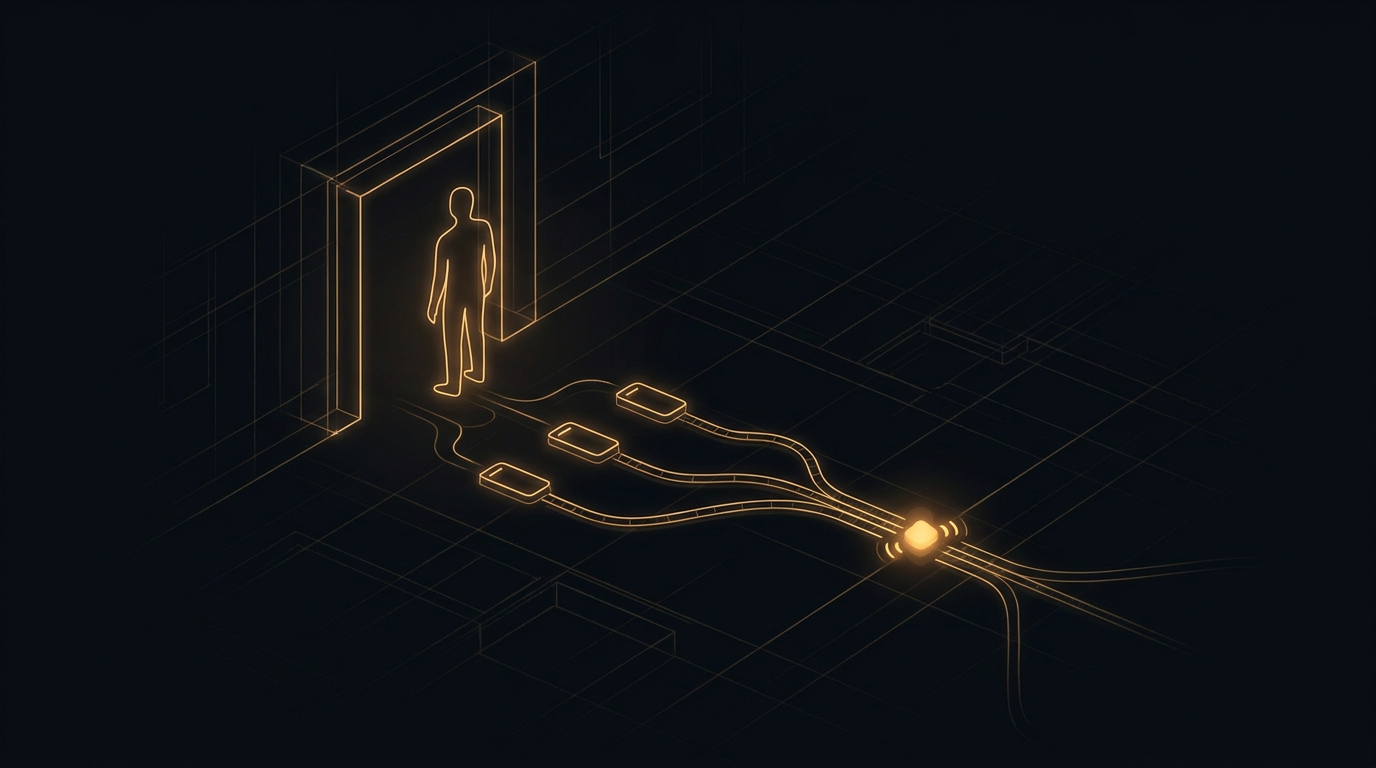
The whole job is this. A customer walks on. You say a short note out loud, a new one just walked on, wants a used truck, first name is the name they gave, here is the number. The agent turns that into a small lead and stores it. You keep walking the customer to a vehicle. The lead is already saved.
That is the difference between a lead you captured and a lead you meant to type up later.
Here is the trap, and it is the same trap that eats every floor. Capturing a lead competes with helping the customer, and the customer always wins. If capture costs you a full form, it loses to the live person in front of you, every time. So it never happens.
A lead-capture agent wins by making capture almost free. A spoken note you can say while you keep moving. That is the entire idea.
What fields should the agent capture, and what should it ignore?
Three fields. A name, one contact method, and the vehicle they came for. That is the whole floor version.
A name, even just a first name, so the follow-up is not cold.
One contact method, a phone or an email, so you can actually reach them.
The vehicle interest, what they came in for, so the follow-up has a reason to exist.
Everything else is enrichment you add later. The trade, the timeline, the budget, the exact stock number. All of that matters for a deal. None of it fits in the seconds of a greeting.
The reason to cap it at three is not neatness. It is physics. A greeting gives you seconds. If you try to capture the trade and the budget and the timeline in those seconds, you capture nothing, because the customer moves before you finish. Three fields fit. Six do not.
Capture the three now. Enrich the record later, when the customer is sitting down and engaged and you have a minute. A partial lead you saved beats a perfect record you never started.
This is the same lesson as building any first agent. You do not build the whole thing. You build the smallest version that is actually useful, and you ship that. If you want the longer version of that argument, I wrote about where to start building AI agents when you have a day job.
How do you build the smallest useful version, step by step?
Here is the order I built mine in. Each step is small enough to ship on its own.
Step one. Pick the three fields and nothing more. Name, one contact method, vehicle interest. Write those down as the only fields the floor version captures. The discipline is in what you leave out. Every field you add past three is a field that makes capture too slow to happen.
Step two. Capture by voice during the greeting. The agent takes a spoken note the moment you greet the customer. Capture lives inside the interaction instead of competing with it. A one-tap voice note beats a form you promise to fill out after, because on a busy floor the after never comes. If you want the microphone side of this, it is the same one-tap capture I covered in how to capture work between customers without typing anything.
Step three. Turn the spoken note into a small structured lead. The agent pulls the three fields out of what you said into a tiny record. Name here, contact here, vehicle here. Keep the shape dead simple so a missing field is obvious at a glance.
Step four. Write the lead to one destination you already check. Save it to a single place you look at every day. One list. One channel. Not a shiny new tool you will forget by Friday. A lead in a place you already watch gets followed up. A lead in a tool you check once a week is a lead you lost slower.
Step five. Read the lead back before you trust the save. After the agent writes the lead, it reads the record back out and confirms the three fields are there. A silent save failure caught in the moment is a save you can retry. A silent save failure found three days later is a walk-in gone for good.
Capture three, store once, read it back
The floor version is not a CRM. It is three fields, one destination, and a read-back. Name, contact, vehicle, saved to a list you already check, confirmed before you move on. Do those three and a walk-in gets saved during the greeting instead of lost after it.

What breaks when you build it, and how do you fix it?
Three failures, in the order they hit me. This is the part the demos skip.
One. The missing contact. I would speak a note in a rush, say the name and the vehicle, and forget the number. The agent happily saved a lead I could never follow up on. A name and a truck with no phone is not a lead. It is a regret. The fix is to make the contact method required. If the note has no phone and no email, the agent asks for it back before it saves, instead of storing a lead that is dead on arrival.
Two. The wrong vehicle from a fuzzy note. I said wants a truck and the customer had actually pointed at an SUV, and my early parser guessed the wrong one and saved it confidently. Now the follow-up references the wrong vehicle and I look like I was not listening. The fix is to keep the vehicle field as close to what I actually said as possible, and not let the agent get clever and infer a model I never spoke. Capture the words. Do not invent the intent.
Three. The save that never happened. The agent called the save, got no error, and told me the lead was captured. The write had actually failed. I found out two days later when I went to follow up and the list was empty. No error is not the same as saved. The fix is the read-back from step five. The agent does not trust the write. It reads the lead back out of the destination and only tells me captured when the record is actually sitting there.
The failure that costs you the deal
A silently lost lead is worse than a crash. A crash tells you to look. A lost lead lets you believe the walk-in is saved when it is gone, so you never follow up and you never know why the floor feels leaky. Require the contact, capture the words you spoke, and read the lead back every time.
A partial lead you actually saved beats a perfect record you never started. Capture three fields during the greeting, not ten fields after the customer leaves.
How do you keep this small enough to ship this week?
You capture one lead type first. Walk-ins. Not phone-ups, not internet leads, not service. One.
Pick the walk-in, because it is the one you lose most and the one nobody types up. Give it the three fields. Capture it by voice in the greeting. Write it to the one list you already check. Read it back before you trust the save.
That is the whole v1 of a lead-capture agent, and it is enough to stop losing walk-ins.
- Capture exactly three fields, a name, one contact method, and the vehicle interest.
- Take the note by voice during the greeting, not a form after.
- Require the contact method, and ask for it back if it is missing.
- Save to one destination you already check every day.
- Read the lead back out of the destination before you report it captured.
Run that for a week on walk-ins before you add a second lead type. A week of real greetings tells you whether your read-back actually catches a failed save, which it will, the first time a token quietly expires or a list gets renamed. If you want the deeper version of making sure a save lands where you meant, I built that separately in how to make sure a voice agent sends work to the right destination.
A lead-capture agent for a floor is not a CRM. It is three fields captured by voice in the seconds of a greeting, saved to one destination you already watch, and read back so you know it landed. Build that for walk-ins first. It is small, it ships in a week, and it stops the leak.

Only after that week do you add the second lead type. The capture shape and the read-back you built first make each new one cheap, because a new lead type is the same three fields and the same verify-and-confirm you already trust. That is the compounding that lets an operator stack grow. Five rivers, twenty-two agents, all built the same way, one small verified capture at a time, on less than fifty dollars a month in hosting.
The reason to build this, if you take nothing else from the log, is that a lost walk-in is not a small miss. It is a customer who came to you ready to look, and left without a trace, while you were busy doing the job. The whole point of a lead-capture agent is that the greeting itself saves the lead, so helping the customer and capturing the customer stop competing.
When the note has to travel from your phone into a saved record, the capture leans on the Model Context Protocol, the open standard for how an AI reaches a tool, so the same spoken note can write to a list or a channel without you wiring each one by hand. And if you want the plain research on why fast follow-up matters at all, the Harvard Business Review study on lead response time is the honest source, firms that reach a new lead within an hour are far more likely to have a real conversation than firms that wait. A lead you captured in the greeting is a lead you can reach while it is still warm.
The community where operators ship these in public, bugs and all, is the free build log at skool.com/agent-empire-4291. Come capture your first walk-in before it walks off. Build log, not a landing page.
While I sell cars for a living.
Michael
FAQ
How do you build a lead-capture agent for a dealership floor?
You build a lead-capture agent for a dealership floor by capturing the three fields you actually need the moment a customer walks up, a name, one contact method, and the vehicle they came in for, then saving that to one destination you already check every day. You skip the full CRM form and the perfect record, because a lead you captured in five seconds beats a lead you meant to type up after the customer left. In practice the agent takes a spoken note like a new customer just walked on the lot, wants a used truck, name is a first name, number is a phone, turns it into a small structured lead, and writes it to your list before you walk the customer to a car. The whole first version is capture three fields fast and store them once, and it is enough to stop losing walk-ins you never wrote down.
What is the difference between lead capture and a full CRM entry?
Lead capture is the fast save. A full CRM entry is the complete record. Lead capture grabs only the fields you need to follow up, a name, one way to reach them, and what they came for, in the seconds you have before the customer moves. A full CRM entry wants the address, the trade, the credit app, the exact stock number, all the fields a finished deal needs. The mistake operators make is trying to do the full entry on the floor, which takes too long, so it never happens and the walk-in is lost. Capture the three fields now, enrich the record later. A partial lead you saved beats a perfect record you never started.
Why do walk-in leads get lost on a dealership floor?
Walk-in leads get lost because capturing them competes with helping the customer, and the customer always wins. You greet someone, you are already walking them to a vehicle, and there is no moment to stop, open the CRM, and type a full record. So you tell yourself you will enter it after, and after is a blur of three more customers and a phone call. The fix is to make capture cost almost nothing, a spoken note in the seconds of the greeting, so it happens during the interaction instead of competing with it. A lead-capture agent works because it turns capture into something you can do while you keep moving, not a task you owe yourself later.
What fields should a dealership lead-capture agent save?
Three, and only three, on the floor. A name, even just a first name, so the follow-up is not cold. One contact method, a phone or an email, so you can actually reach them. And the vehicle interest, what they came in for, so the follow-up has a reason to exist. That is the whole minimum. Everything else, the trade, the timeline, the budget, is enrichment you add later when you have time and the customer is engaged. If you try to capture more than three fields in the seconds of a greeting, you will capture nothing, because the customer will move before you finish.
Michael Rodriguez
Michael Rodriguez has spent 20 years on a dealership floor. With no tech background, he built and runs 22 production AI agents across four businesses on less than $50 a month, in evenings and lunch breaks. Agent Empire is where he ships it in public.
Building agents around a day job? Agent Empire is where operators ship it in public, together. Come build with us.